October 22, 2026 · 4 min read
Run your store with ChatGPT, Claude or Gemini
Connect your AI assistant to Kllix through MCP and manage themes, landing pages, products and analytics just by asking.

Kllix team
Product & growth
Talk to your store instead of clicking
Changing a theme color, building a landing page, adding ten products, checking today’s sales — each of these takes several screens and many clicks. With an AI assistant connected to Kllix, you simply ask, and the work is done in your store.
You can use the assistant you already know: ChatGPT, Claude or Gemini.
What MCP is, in simple words
MCP (Model Context Protocol) is an open standard that lets AI assistants use tools from other services. Kllix provides those tools for your store. Once you connect your assistant, it can read and write in your store: it sees your products, orders and analytics, and it can make changes when you ask for them.
The assistant only gets access when you connect it, and you can disconnect it at any time.
What you can ask
| You ask | What happens in your store |
|---|---|
| “Change my theme color to brown.” | The theme is updated with the builder. |
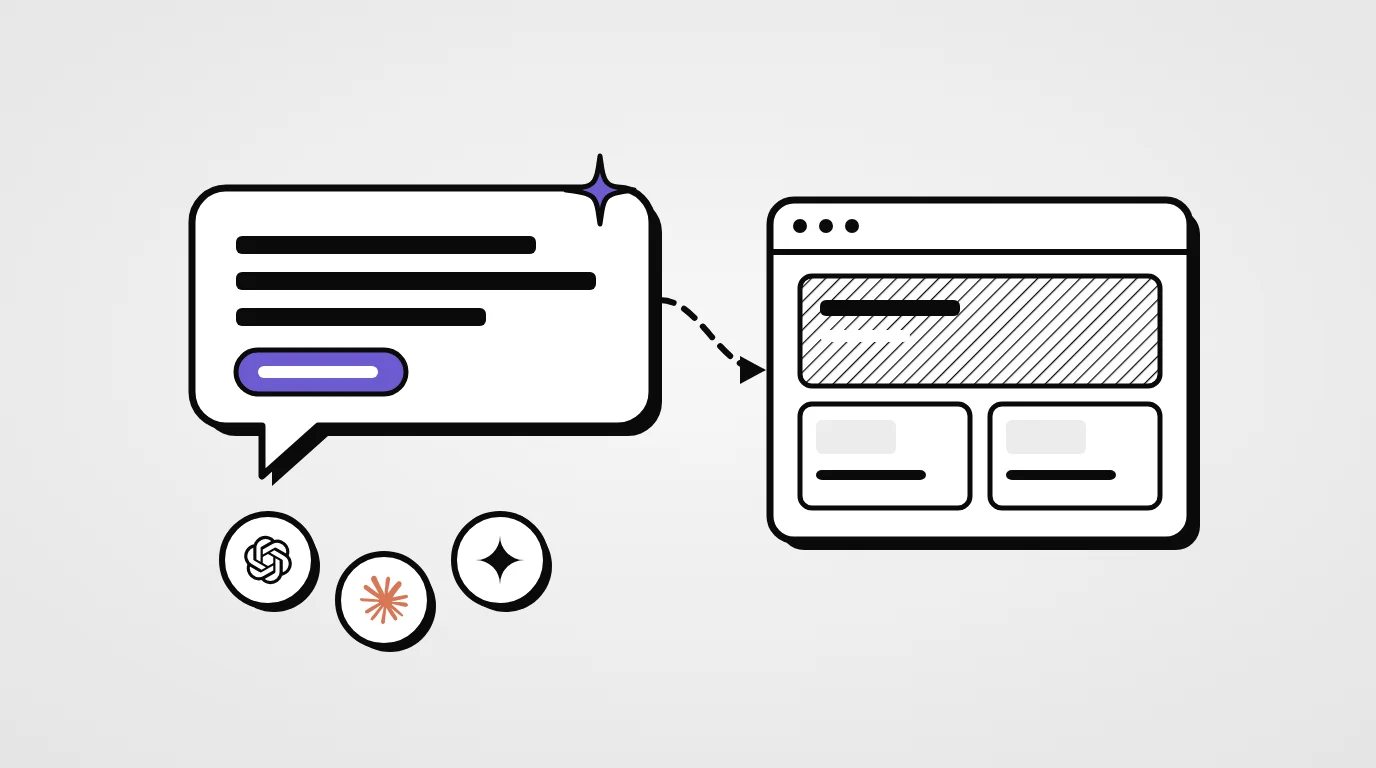
| “Create a landing page for the Ambre perfume with a 2-bottle offer.” | A landing page is built with its COD form and the offer. |
| “Add a product: Siena Tote, 3,800 DA, brown and black.” | The product is created with its price and variants. |
| “How many orders did we get today?” | The assistant reads your analytics and answers. |
| “Show me unconfirmed orders from Oran.” | It finds and filters the orders for you. |
Create a landing page for the Ambre perfume with the offer “2 bottles for 5,200 DA”.
Done! Your landing page is live at yourstore.kllix.net/lp/ambre with the 2-bottle offer and the order form.
How many orders did we get today?
129 orders today, up 12% on yesterday. Your best seller is the Siena Tote.
Connect your AI assistant
Your store, one conversation away — with ChatGPT, Claude or Gemini.
Connect in three steps
- 01
Open your dashboard
Go to Apps → AI assistants in your Kllix dashboard.
- 02
Connect your assistant
Link ChatGPT, Claude or Gemini to your store through MCP.
- 03
Just ask
Tell it what you need, in your own words and your own language.
How to write good requests
- Be specific — product name, price, offer, colors and language.
- One task at a time for big changes, so you can check each result.
- Ask for a summary — “tell me what you changed”.
- Use your analytics — “which product has the best delivery rate this week?” is often more useful than another report.
Kllix tip
Start with read-only questions about your sales and orders. You will quickly see how well the assistant understands your store before asking it to change things.
Stay in control
Watch out
Everything a connected assistant does counts as an action you made. Review its changes — especially prices, offers and published pages — before you send traffic to them.
AI assistants are services of their own providers and follow their terms and privacy policies. You can disconnect an assistant from Apps → AI assistants at any time, and it immediately loses access to your store.
Connected assistant or Kllix AI?
Kllix gives you two kinds of AI. They work well together:
| AI assistant (MCP) | Kllix AI | |
|---|---|---|
| Where | In ChatGPT, Claude or Gemini | Inside the landing page builder |
| What it does | Reads and changes your whole store | Writes and builds landing pages |
| How it works | You chat with it | You describe your product — runs on credits |
Your first five requests
- “Summarise my sales this week.”
- “Which products sell best in each wilaya?”
- “Write a better description for my best seller.”
- “Create a landing page for my newest product.”
- “List orders waiting for confirmation since yesterday.”