October 15, 2026 · 3 min read
Kllix × Codpilot: from order to delivered parcel
How orders, stock, UTM data and Meta tracking flow from your Kllix store into Codpilot — and when your team needs it.
Kllix team
Product & growth
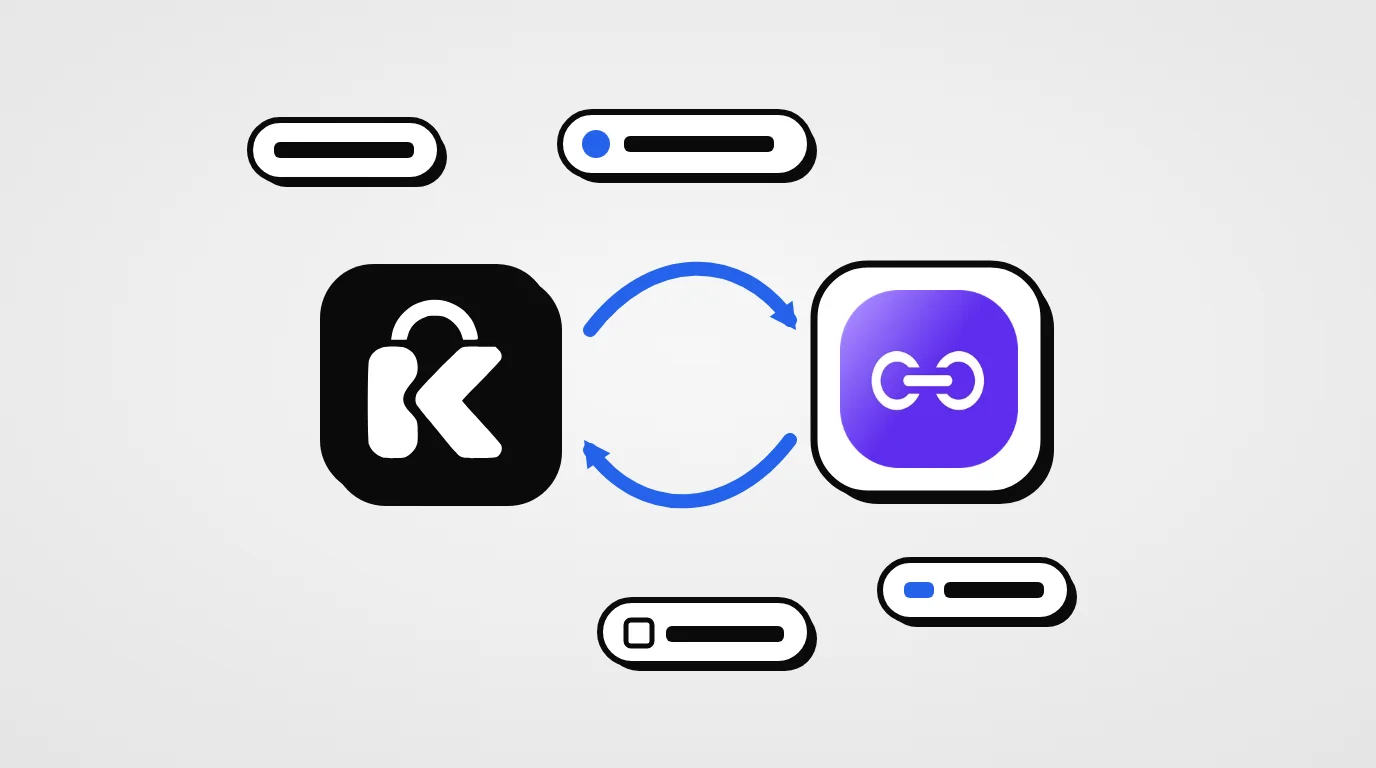
Two tools, one flow
Kllix is where you sell: your store, your landing pages, the COD form, offers and fraud protection. Codpilot, Kllix’s official partner, is where many teams manage what happens after the order: confirmation, stock, delivery, agents and profits.
When the two are connected, there is no export and no copy-paste. Every order flows from your Kllix store into Codpilot with everything needed to manage it and measure it.
What stays in sync
| Data | Why it matters |
|---|---|
| Orders | Every order from your store and landing pages lands in Codpilot instantly, with the customer, products and delivery details. |
| Stock | Stock levels stay aligned, so you never sell products you no longer have. |
| UTM tracking | Each order keeps its source, campaign and ad. |
| Meta tracking | Tracking data follows each order for reliable Facebook and Instagram attribution. |
| Delivery rate | See your real delivery rate per product and per campaign. |
Measure delivered orders, not clicks
In COD, the question is not “which ad brings orders?” but “which ad brings delivered orders?”. Because every order keeps its UTM data and Meta tracking, you can see which campaign brings customers who actually accept their parcel — and cut the ones that only bring returns.
Kllix tip
Codpilot’s Adpilot connects your Meta and TikTok ad accounts and tracks your cost per delivered order, with AI analysis of your ads.
Kllix + Codpilot, fully connected
Orders, stock and tracking in sync with our official partner.
What Codpilot adds after the order
- Order management — automated collection, every status followed, spam orders detected.
- Real-time dashboard — orders, deliveries, profits and agent activity live.
- Smart inventory — monitor and adjust stock across your sales channels.
- Delivery — export to delivery companies in one click, print labels and manage your own delivery agents by zone.
- Sales CRM and agents — assign customers to agents, follow their activity and call from the app.
- SendPilot — SMS and WhatsApp campaigns to your customers.
- Mobile app — for owners, agents and delivery staff, with notifications.
Connect in three steps
- 01
Create your Kllix store
Sign up free and publish your store.
- 02
Connect Codpilot
Open Apps → Codpilot in your Kllix dashboard and link your Codpilot account.
- 03
Orders start syncing
New orders, stock and tracking data flow into Codpilot automatically.
Is it for you?
If you are just starting, Kllix alone covers orders, confirmation statuses and delivery. Codpilot becomes valuable when your operation grows:
- You have a confirmation team of several agents.
- You sell on several channels and need one view of stock.
- You spend seriously on ads and need cost per delivered order.
- You manage your own delivery agents in some zones.
Before connecting Codpilot
- Kllix store published
- Products and stock up to date
- UTM parameters on your ad links
- Meta pixel installed
- Codpilot account ready